High Speed Conversion
It takes a few seconds to convert docx to pdf online free from our website. It processes your file quickly, allowing you to quickly export, share, and submit results.
Turn Microsoft Word DOCX documents into fixed-layout PDF files, entirely inside your browser.
Files are converted by this page, on your device. Nothing is uploaded, nothing is stored, and no account is required.
Drop your DOCX file here
Conversion starts the moment it lands
Up to 10 files25 MB eachprocessed on this device
DOCX in · PDF out
Convert your Microsoft word documents into Portable document formats. Use our free online Docx to PDF Converter to turn words into PDF files. It turns text, fonts, images, tables, and page layouts into a fixed, non-editable document. By preserving the original format and quality, it makes documents easier to view or print, and often reduces file sizes. It's a free browser based tool that works without signup or registration. You can visit our website anytime to convert Docx to PDF right at your fingertips.
Each page is written exactly as your browser lays it out, with an invisible text layer over it, so the PDF matches what you see and stays selectable and searchable. The trade-off is weight: expect roughly 150 to 500 KB per page.
The older binary .doc format from Word 2003 and earlier is not readable here. Open it in Word or an online viewer and save it as .docx first.
A document protected with a password, or one whose fonts are locked to a licence, cannot be opened by the browser and will be reported as unreadable.
Index
8 recordsDefinition
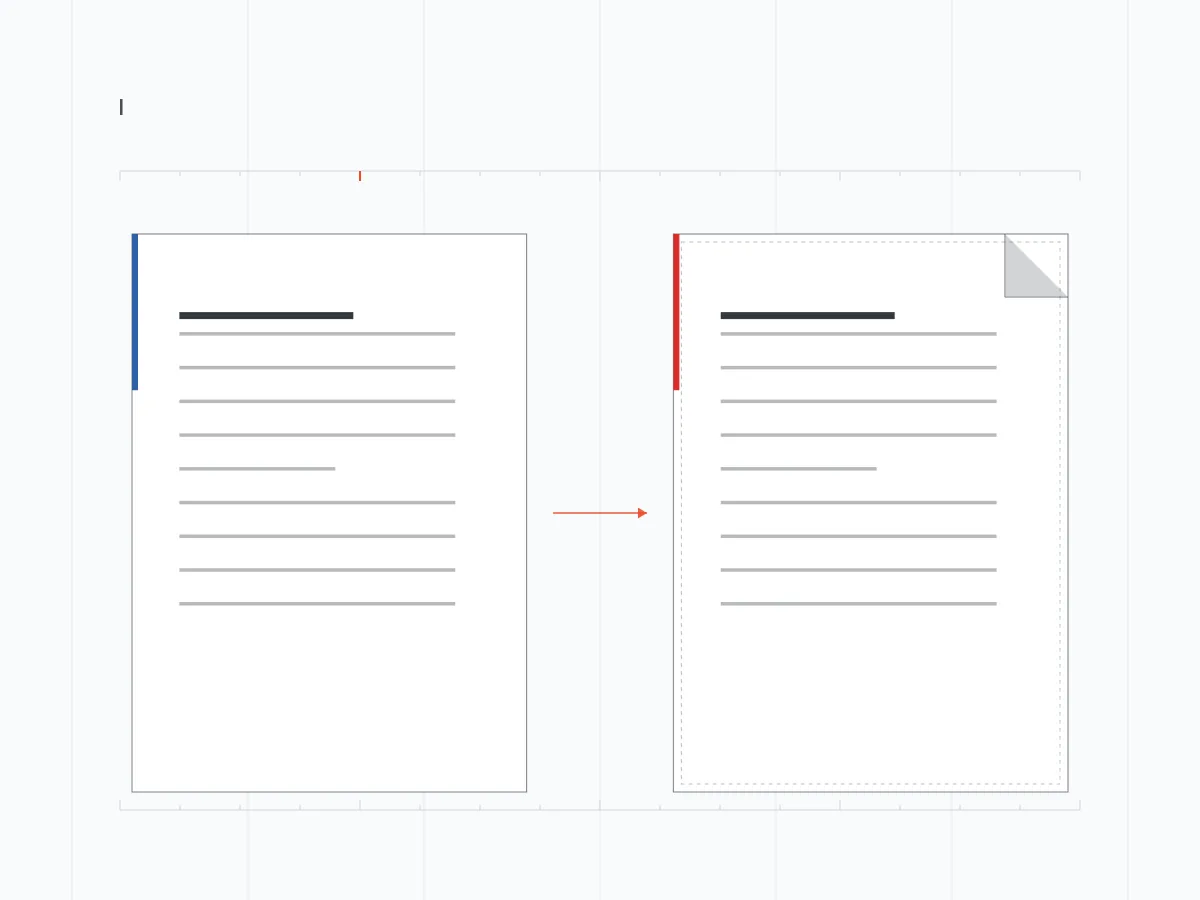
Free online toolDocx to PDF Converter is a Free Online Tool that changes DOCX files into PDF documents. Whether you're a student, professional, or business man, who wants to share documents without any changes.
It features fast conversion, multiple files, simple usage, and high quality results. It ensures instant conversion while keeping the original text, images, fonts, tables, formatting, and layout. Moreover, it works directly on your browser for hassle-free usage, so the document never leaves your device — what data reaches us sets out the little that does.
You can access word to pdf converter anytime on Android, IOS, PC, MacOS or tablets without installation or signup. You just need to drag your Docx file into the tool and tap on the convert button. It will generate PDF files and allow you to save, share, print, view on different devices.
Mechanism
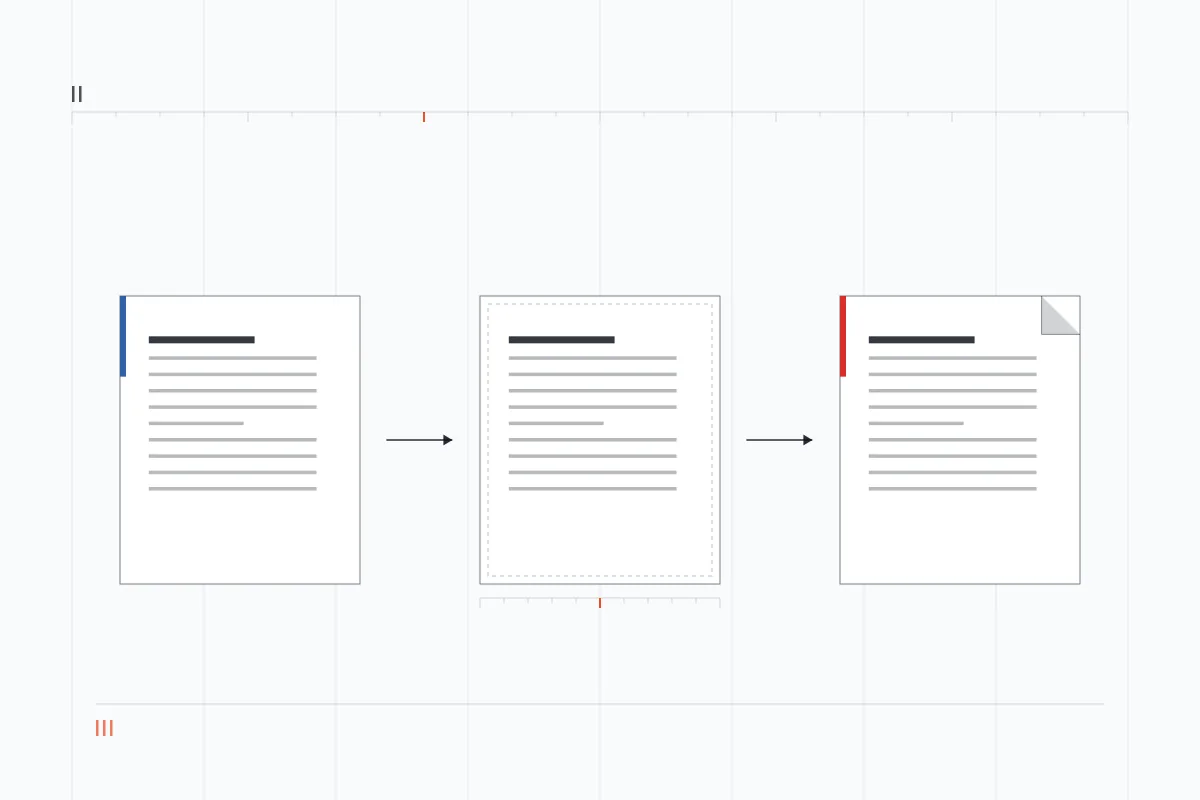
Read · Render · WriteOur Docx to PDF converter ensures reliable and user-friendly usage. It reads Microsoft Word DOCX files to turn text, images, tables, fonts, page size, and spacing into high quality PDF. It supports instant and hassle-free experiences on Windows, Mac, Android, and iOS. You just need to input your files and select the desired format on it. This superb tool will quickly convert your file from docx to pdf for easy sharing, printing, and storing. Where the conversion has limits, we say so on the page itself, and how these guides are written and tested explains how those claims are checked.
Benefits
10 recordsOur Docx to PDF Converter Free ensures reliable and hassle free usage due to its incredible features. Let's discuss some of its outstanding services.
It takes a few seconds to convert docx to pdf online free from our website. It processes your file quickly, allowing you to quickly export, share, and submit results.
It's completely free to use this superb tool. You don't need to pay any fees or extra charges on it. It works without subscription, helping you to convert unlimited words to PDF at your fingertips.
No difficult set-up or technical knowledge required while changing. You can navigate through our initiative UI to upload your file and convert into desired format with a single tap.
We always keep your results the same without making any changes in text, fonts, headings, images, tables, spacing, margins, and page layout. The PDF file accurately matches your word document after conversion.
This superb tool is usable on multiple devices. You can access it on Windows PCs, Mac, Android phones, and iPhones to convert doc to pdf anytime without hesitation.
You don't need to install any software or application while using this application. It's a web-based tool that helps you to convert unlimited files directly from your browser.
Docx to PDF free doesn't require signup. It saves your time and efforts by letting you continue on our website without inputting personal details. Just upload your file and save or share results without additional requirements.
After generating a PDF file, you can save files by clicking on the export button. Moreover, you can directly share it through email, social media, and other platforms without restrictions.
It preserves important information by keeping your documents unchanged. The restricted editing on PDF helps you to share or print it accurately right at your fingertips.
It's a secure application that doesn't require any sign up or personal details for you. Its convenient usage, simple controls, and quick processing helps you to turn docx to pdf for free.
Interface
2 plates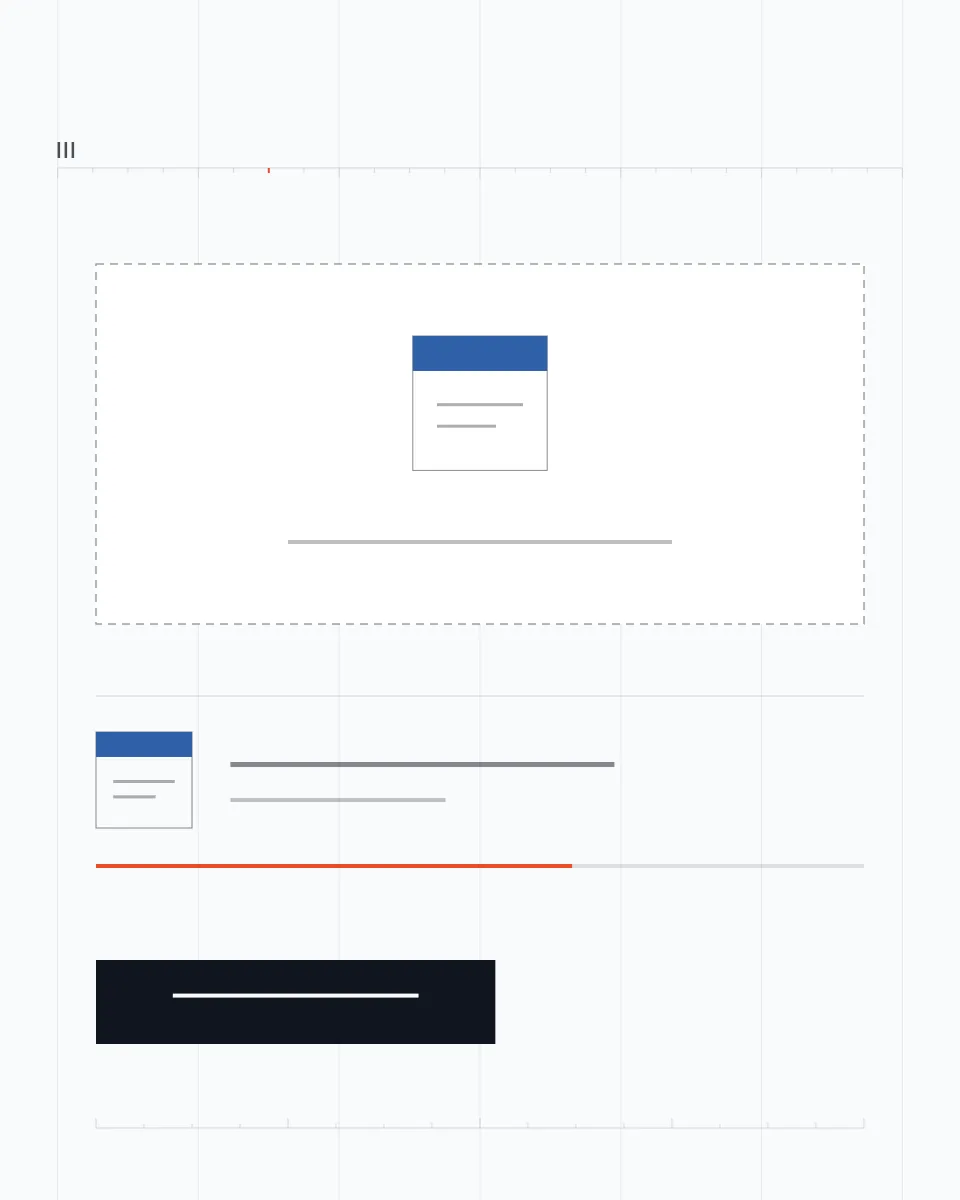
Rationale
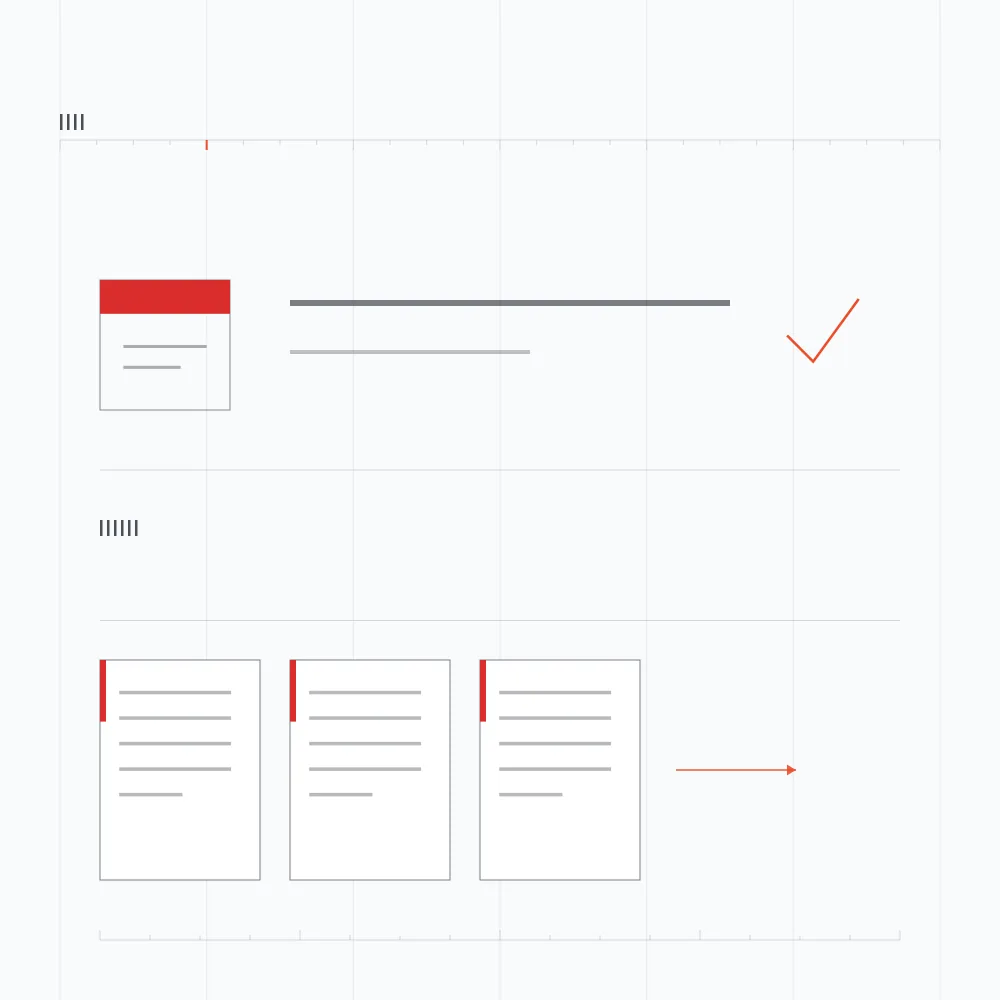
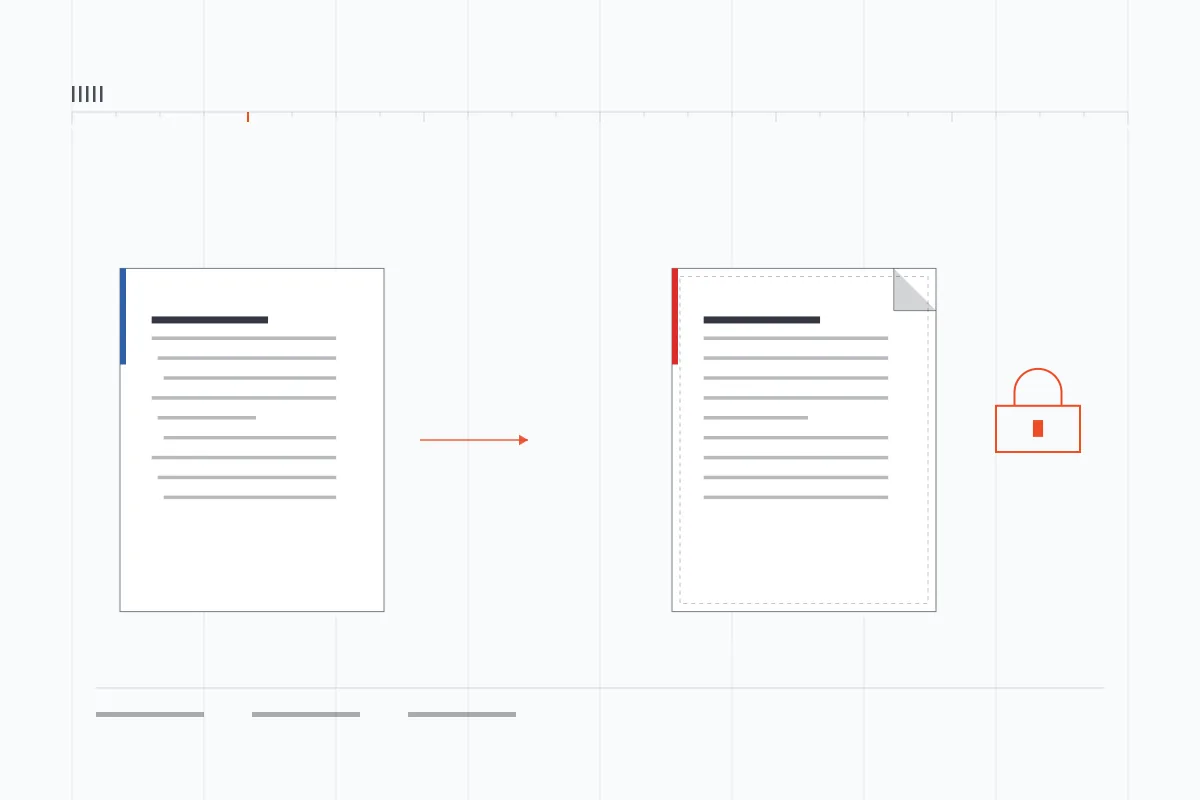
Share · Print · StoreDo you want to share, print, submit, or store a document unchanged? Converting docx into pdf is a secure option. It keeps all elements such as text, images, tables, fonts, spacing, and page layout the same. Moreover, it's a way to view and less likely to get changed while sharing. As students, teachers, businesses, offices, and professionals you can convert docx to pdf before sharing your important files. It ensures secure and reliable results with a professional looking format suitable for everyone. If it matters to you who builds these tools, that is on the record as well.
Procedure
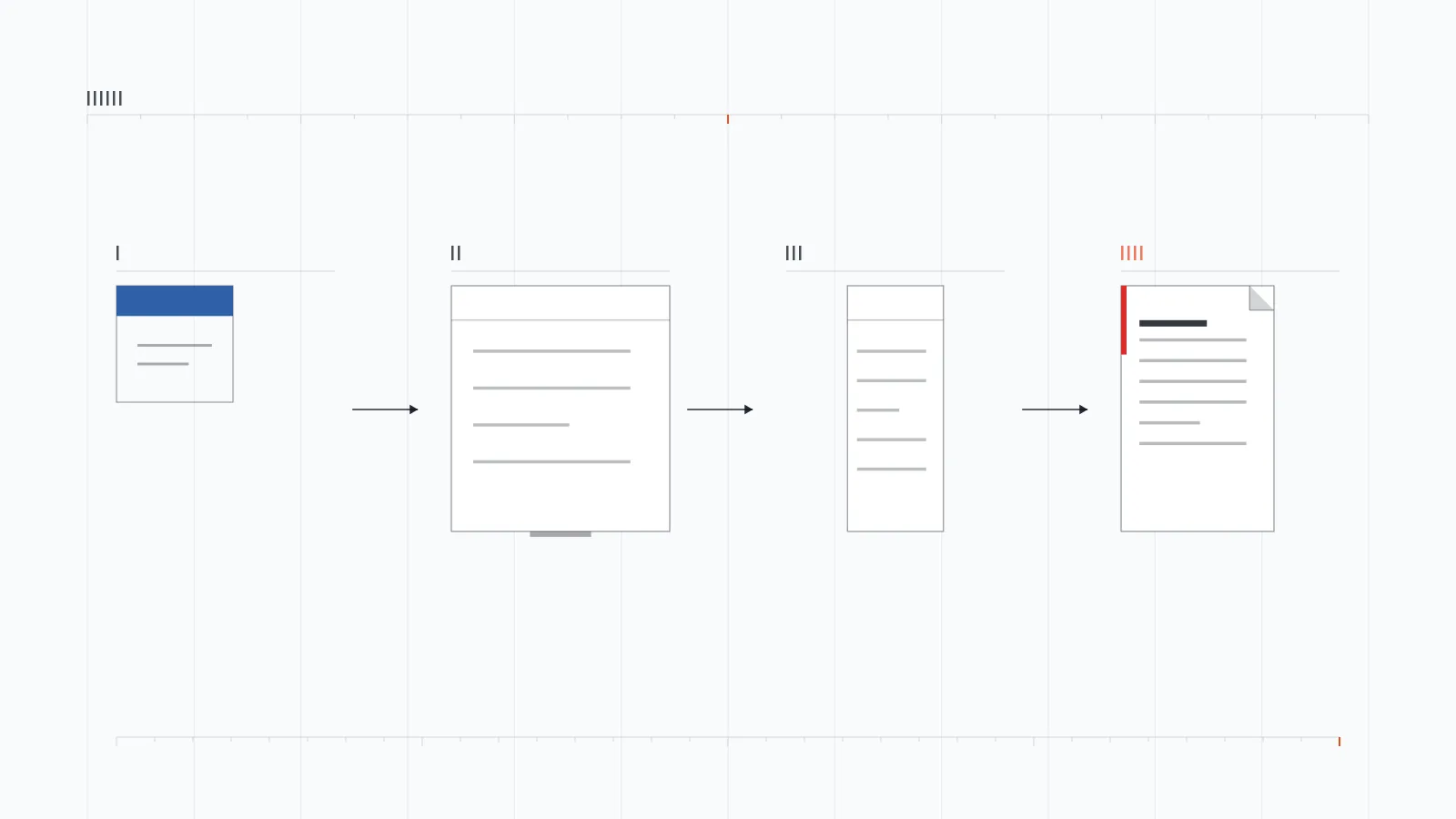
3 guidesDocx to PDF Converter is a web-based tool that almost works on all devices. If you want to change words to pdf on PC or Mac don't worry. Here we have a simple guide on it.
Open your browser and search for Docx to PDF.
Locate and visit our website.
Tap on the upload button to drag and drop your Docs file into the input box.
Choose PDF format and hit the “Convert” button for successful conversion.
You can export and share the results.
You can convert words to PDF on Android phones and iPhones directly from this secure web-page. Let's discuss it in simple steps.
Open the browser on your mobile and type “Doc to PDF” in the search bar.
Visit a trusted site like our website and upload your docs file.
Tap “Convert” to turn it successfully into PDF.
Tap on export to button to share and download results successfully.
Visit our website and choose the option to convert PDF to Word Document.
Upload your PDF file.
Tap on convert button to turn PDF into editable docx file to share and export.
Troubleshooting
5 entries| Problem | Solution |
|---|---|
| File not Uploaded |
|
| Incomplete Conversion |
|
| Images are Missing |
|
| PDF Not Saved |
|
| Large File Errors |
|
Questions
8 entriesYes, you can use it to convert words to pdf without paying any fees.
No, you don't need to login or create an account on our platform. It allows you to continue using it without registration.
After uploading your Docx, you can tap on the Convert button to turn it into PDF right at your fingertips.
Yes, it's a secure online tool that prioritizes users safety and security. You don't need to input personal details on it.
Yes, it's a web-based tool that doesn't require users to install any software or additional apps. You can continue using it on IOS, Android, and PC without restrictions.
Yes, you can convert it for free directly from this secure site.
No, you don't need to install any software or application for this. Just search for it on your browser and visit any trusted site like our website for free usage.
You may not be able to convert due to damaged DOCX files, unsupported formatting, very large file size, insufficient storage, internet problems, and technical issues.
Summary
Closing recordIf you want to change Microsoft Word Docx file into PDF. Try our free online tool, Docx to PDF Converter. You don't need to sign up or login to an account on this platform. It keeps text, images, tables, fonts, layouts the same even after conversion into easy shareable formats. It offers simple interface, fast processing, high-quality output, and secure processing for better experiences. Its drag and drop upload feature allows you to convert docs into PDF right at your fingertips. If you need a different conversion, the converter catalogue lists everything else available here.

Next
Free · No signupIt's a free browser based tool that works without signup or registration.
